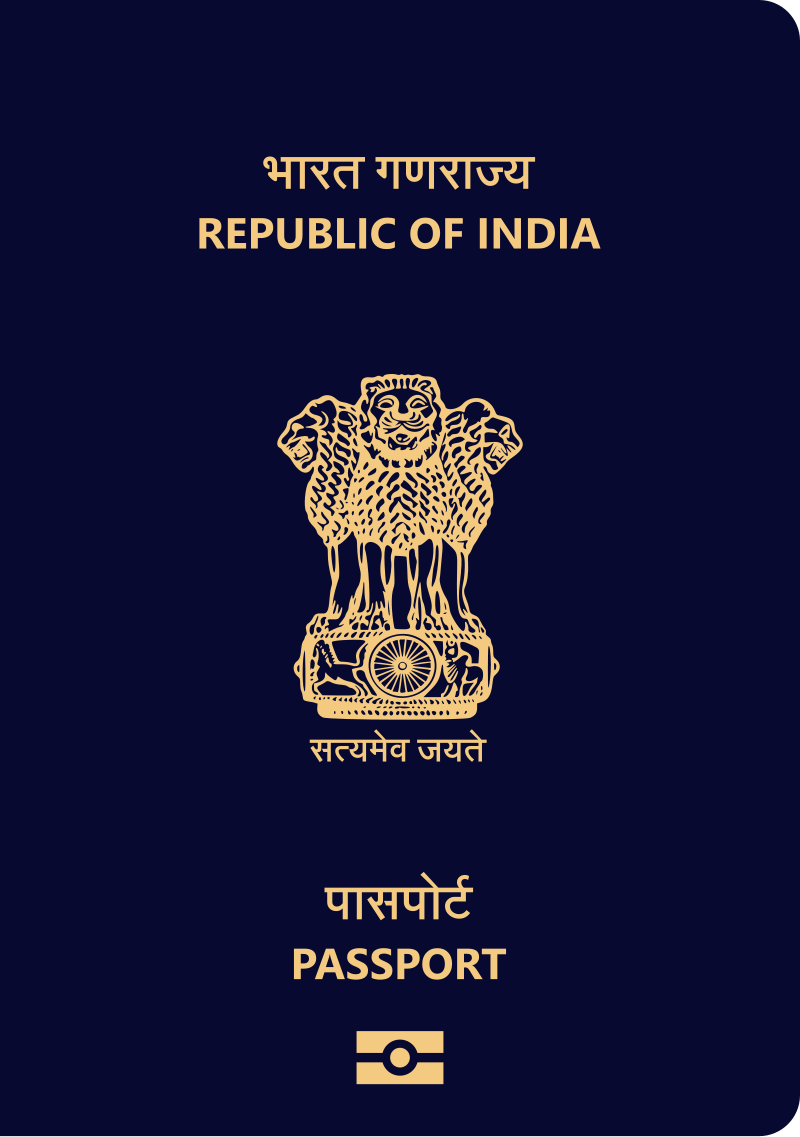
To upload documents from Digilocker while applying for a passport, you must first have a Digilocker account. If you don't have an account yet, create a new account on Digilocker. After creating the account, upload all your documents, such as Aadhaar, Driving License, Voter ID Card and others to Digilocker. Once uploaded, you can easily upload these documents to your passport application through your digilocker account.
Applying Online at Passport Seva Portal
- Visit the Passport Seva Portal to fill out the passport application form.
- Register, if you are not a registered user.
- Log in with your details.
- Fill in the required details, including family information.
- Select documents in the final preview section.
- Share the selected documents through your Digilocker account (optional)
- Click on the Grant Digilocker Access to open the Digilocker login screen.
-

Click For clear image
Log in to Digilocker
- Sign in to your Digilocker account with your details.
-

sign digilocker account - Enter your mobile number, select your user name, and enter the 6-digit security PIN. Verify your account via OTP to log in.
-

Verify Otp - Select the documents you want to share and allow Passport Seva to access them.
-

allow permission Passport sewa
Click on the Fetch from DigiLocker
- Once the permission is granted, click on the "Fetch from Digilocker".
-

Click For clear image - The selected documents will be uploaded successfully to your passport application.
- After uploading documents, submit your passport form, pay the passport fee, and book an appointment at your nearest Passport Seva Kendra (PSK).
Passport Seva Kendra
- Visit the Passport Seva Kendra (PSK) on the scheduled date.
- Carry all original documents with their copies.
- PSK/POPSK officials will verify your documents.
- After document verification, the police verification process begins.
- Upon successful police verification, the RPO issues the passport and sends it to your address via speed post.
Add new comment